
Eastern Kentucky University utilizes Single Sign On (SSO) to make accessing University web properties easier for students, staff and faculty.
Initial Sign In
Visit the myEKU login page.
You’ll then see a dialog to Sign In. Enter your EKU email address into the sign in dialog and select “Next.”
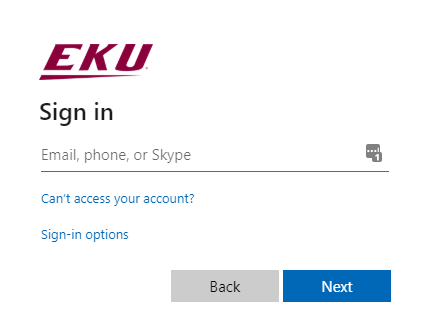
Once you’ve selected next, you’ll be presented with a screen dialog where you’ll enter your password. Your initial temporary password can be found on your applicant portal here.
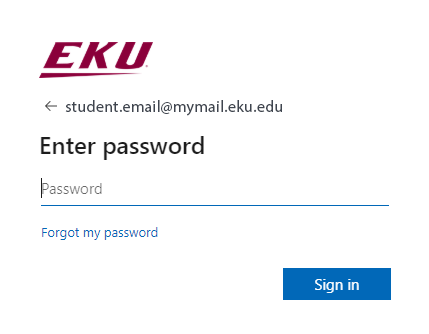
After you’ve entered your password here, select “Sign in.”
You will then be prompted to setup your password recovery options.
Password Recovery Setup
Once you’ve logged into EKU’s SSO system, you’ll be prompted to set up your password recovery options. EKU IT has instructions on setting up your password recovery.
2-Factor Authentication Setup
After you’ve setup your password recovery options, you will be prompted to setup 2-Factor Authentication (2FA). EKU IT has instructions on setting up 2FA.